Turn your message board into a meetup invite
Your message board doesn't just have to hold static text. Post a date and time on it, and it becomes an invitation: everyone who reads it knows exactly when to come back and be in the square together.
Who's in a town square at any given moment is mostly chance. Sometimes you land on an empty scene, sometimes a small crowd, and there's no way to know who else might show up, or when.
But it doesn't have to stay that way.
If you've added a message board to your square from the admin page, you already have a spot where visitors stop and read. Instead of a generic note, try posting something like:
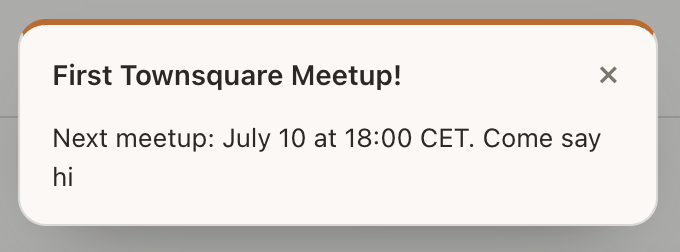
The message board with a scheduled meetup.
That's it. That's the whole trick.
Why it works
The message board is already the one fixed point in an otherwise fleeting scene. People walking through your site tap it, read it, and move on. If what they read is a specific date and time, some of them will actually remember to come back.
You don't need accounts, RSVPs, or a calendar integration. The invitation lives right there on the map, in the same place visitors already check.
And when you update the board with a new date, the board shows a little notification, so returning visitors can tell at a glance that there's something new to read instead of walking past a board they've already seen.
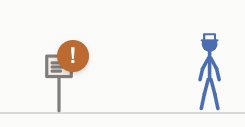
Unread message notification.
How to try it
- Open your admin page and find the Message board section.
- Set the title to something like "Next meetup" and the message to the date and time, in a timezone your audience will recognize.
- Pick an accent color that fits your scene, then save. The board's notification badge takes care of letting returning visitors know there's something new to read.
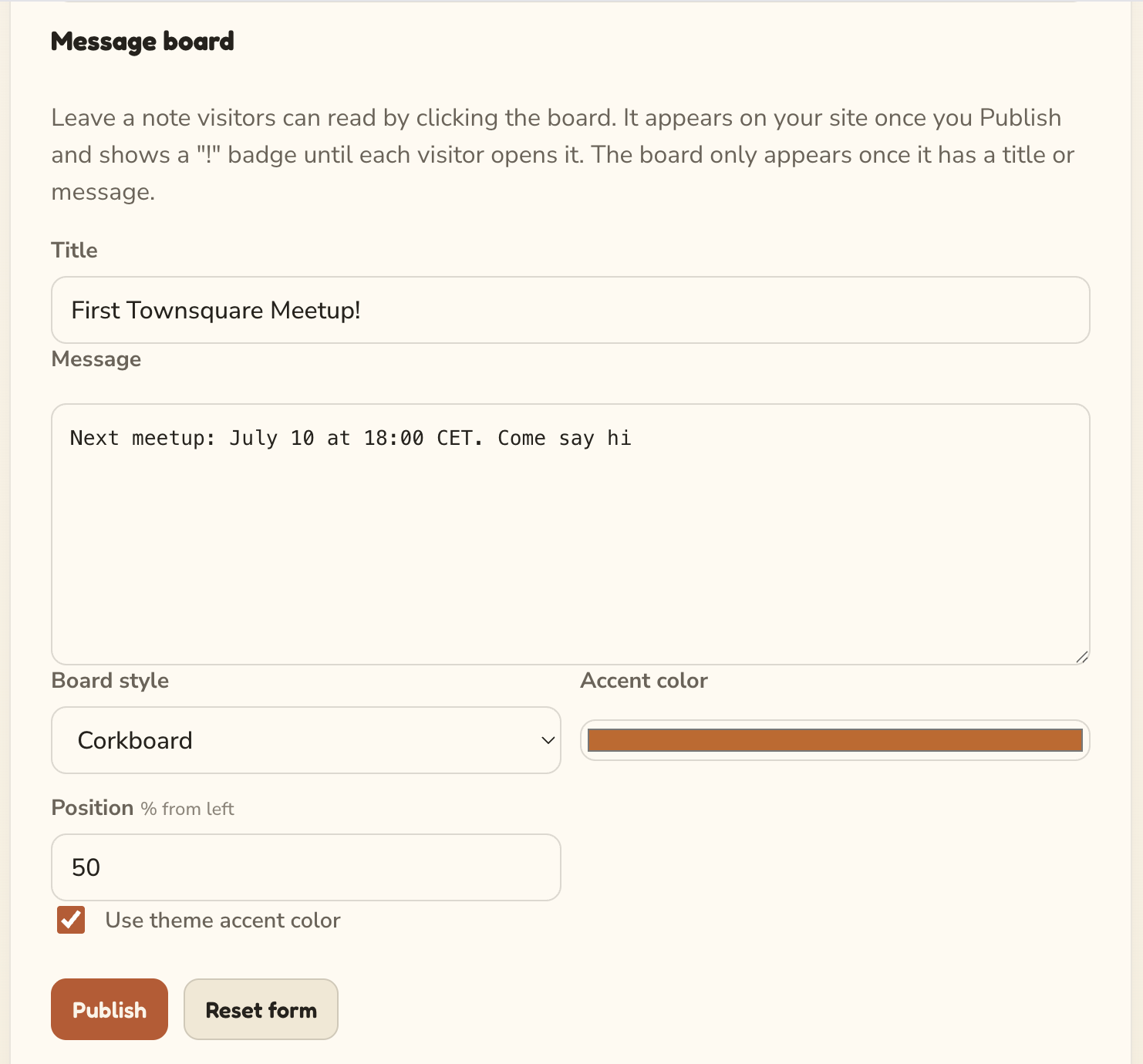
The message board form in the admin page.
When the time comes, open the square yourself and see who shows up.
A few ways to use it
- A weekly office hours slot. Same time every week, so the board barely needs updating.
- A launch day countdown. Post the date of a release and invite people to watch it happen together in the square.
- A one-off hangout. Pick a date, post it, and see who's around.
None of this needs a new feature, just a small use for one that's already there. If you try it, I'd love to hear how it went.